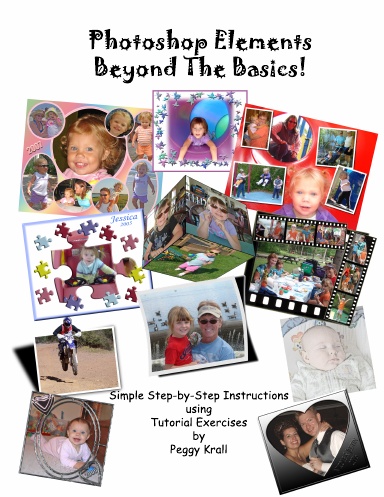
Basic, step-by-step instructions will walk the reader through tutorial exercises on how to utilize the tools in Photoshop with straight-forward, hands-on examples that correlate to photos available on-line from the author.
The reader will quickly learn how to combine images, utilize the cookie cutter tool, add strokes to an image, create photo montages, stained glass effect, create filmstrips, cubes, add text, speech bubbles and utilize a variety of filters to create special effects.
Working through the simplified, project exercises that were designed for Photoshop Elements 6 or 7 or previous versions 4 or 5, provides the reader with the tools to utilize Elements in a creative way with a minimal learning curve.
The author is trying to reach the person who wants to use Photoshop to have fun with their pictures, as well as create beautiful projects in a short amount of time.
Detalles
- Fecha de publicación
- Jun 10, 2009
- Idioma
- English
- Categoría
- Arte y fotografía
- Copyright
- Todos los derechos reservados - Licencia estándar de copyright
- Contribuyentes
- Por (autor o autora): Peggy Krall
Especificaciones
- Páginas
- 136
- Tipo de encuadernación
- Tapa blanda Encuadernado en espiral
- Color de interior
- Color
- Dimensiones
- Carta EE.UU. (8,5 x 11 in / 216 x 279 mm)