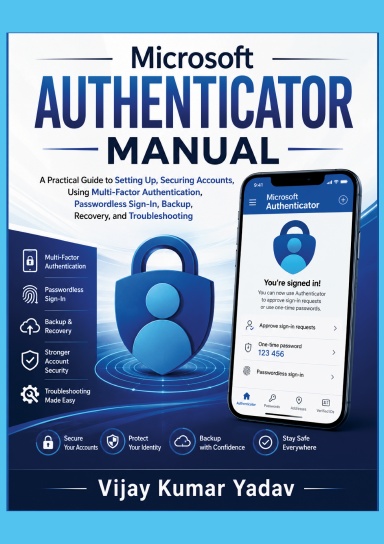
Microsoft Authenticator Manual
A Practical Guide to Setting Up, Securing Accounts, Using Multi-Factor Authentication, Passwordless Sign-In, Backup, Recovery, and Troubleshooting
Usualmente se imprime en 3 - 5 días hábiles
**Protect your digital life with confidence using Microsoft Authenticator.**
As cyber threats continue to evolve, securing your online accounts has never been more important. **Microsoft Authenticator Manual** is a practical, step-by-step guide designed to help beginners, professionals, students, and business users understand and use Microsoft Authenticator effectively for stronger account security.
This book walks you through every stage of using the app, from downloading and installing it on Android and iPhone devices to setting up Microsoft accounts, work or school accounts, and third-party services. You’ll learn how to enable Multi-Factor Authentication (MFA), use one-time passwords (OTP), configure passwordless sign-in, approve authentication requests, and manage multiple accounts with ease.
Whether you want to secure your email, banking, cloud storage, social media, or workplace accounts, this manual provides clear explanations, practical tips, and real-world guidance to help you use Microsoft Authenticator with confidence.
If you’re looking for a simple, comprehensive, and up-to-date guide to strengthening your online security, **Microsoft Authenticator Manual** is the perfect resource to help you protect your digital identity and keep your accounts safe.
Detalles
- Fecha de publicación
- Jul 19, 2026
- Idioma
- English
- Categoría
- Computadoras y tecnología
- Copyright
- Todos los derechos reservados - Licencia estándar de copyright
- Contribuyentes
- Por (autor o autora): Vijay Kumar Yadav
Especificaciones
- Páginas
- 34
- Tipo de encuadernación
- Tapa blanda Tapa blanda
- Color de interior
- Blanco y negro
- Dimensiones
- A5 (5,83 x 8,27 in / 148 x 210 mm)