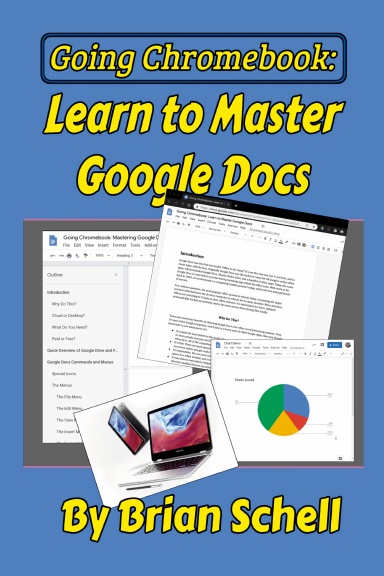
Going Chromebook: Learn to Master Google Docs
ParBrian Schell
Habituellement imprimé en 3-5 jours ouvrés
Well, you’ve got that nice new Chromebook, or maybe you’ve decided to fire up the browser on your PC/Mac and start “living in the cloud.” Now what?
In the previous book, “Going Chromebook: Living in the Cloud,” we talked about what you can and can’t do with a Chromebook, and what apps you can use to get work done in a web-app world. This time out, we’ll be focusing on ONE app: The Google Docs word processor.
It’s the flagship of Google’s office suite, whether you’re on the free Google Docs system or the paid Suite tier. It works on PC, Mac, Linux, Android, IOS, and just about anything else that can run a modern browser. It’s also probably a lot different from the word processors you’ve used in the past. Just like everything else involved with working from the cloud, you’ll have to adapt and learn a few new ways of doing things; there’s nothing hard or complex here, just a lot of things done differently.
In this book, we’ll look at some basic file management on Google Drive that pertains to writing documents, and then we’ll look at every menu option and toolbar icon. Lastly, we’ll look at power user tips that will make you truly a master of Google Docs.
Détails
- Date de publication
- Dec 1, 2022
- Langue
- English
- Catégorie
- Informatique & internet
- Copyright
- Tous droits réservés - Licence de copyright standard
- Contributeurs
- Par (auteur): Brian Schell
Caractéristiques
- Pages
- 100
- Type de reliure
- Livre à couverture souple Livre à couverture souple
- Couleur de l’intérieur
- Noir & Blanc
- Dimensions
- Roman (6 x 9 po / 152 x 229 mm)