GETTING STARTED
To make a book, first you need to create two PDFs: your interior and your cover
STEP 1
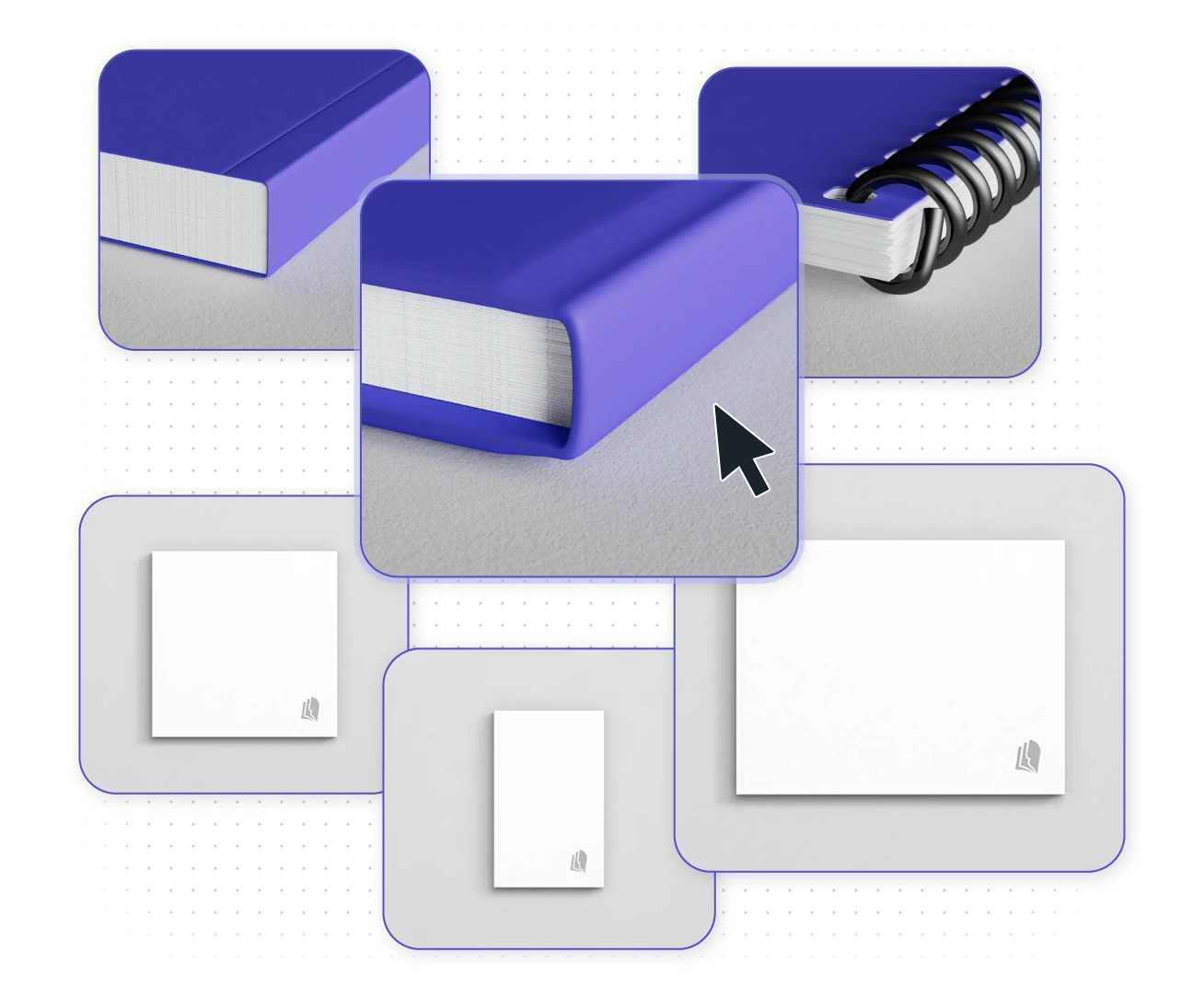
Choose your book’s trim size and binding
Once you’ve written your book or compiled your content, you’ll need to select the specifications for your book, including the overall book size (also called the trim size). To prepare your files for printing, you need the trim size to determine your interior page size.
Check out our product options to see what Lulu offers.
STEP 2
Create your print-ready interior PDF
Now that you know your page size, the next step is to turn your content into a printable PDF. This usually involves specialized software.
Check out our list of recommended book creation tools to find the right software for designing your interior PDF.
STEP 3
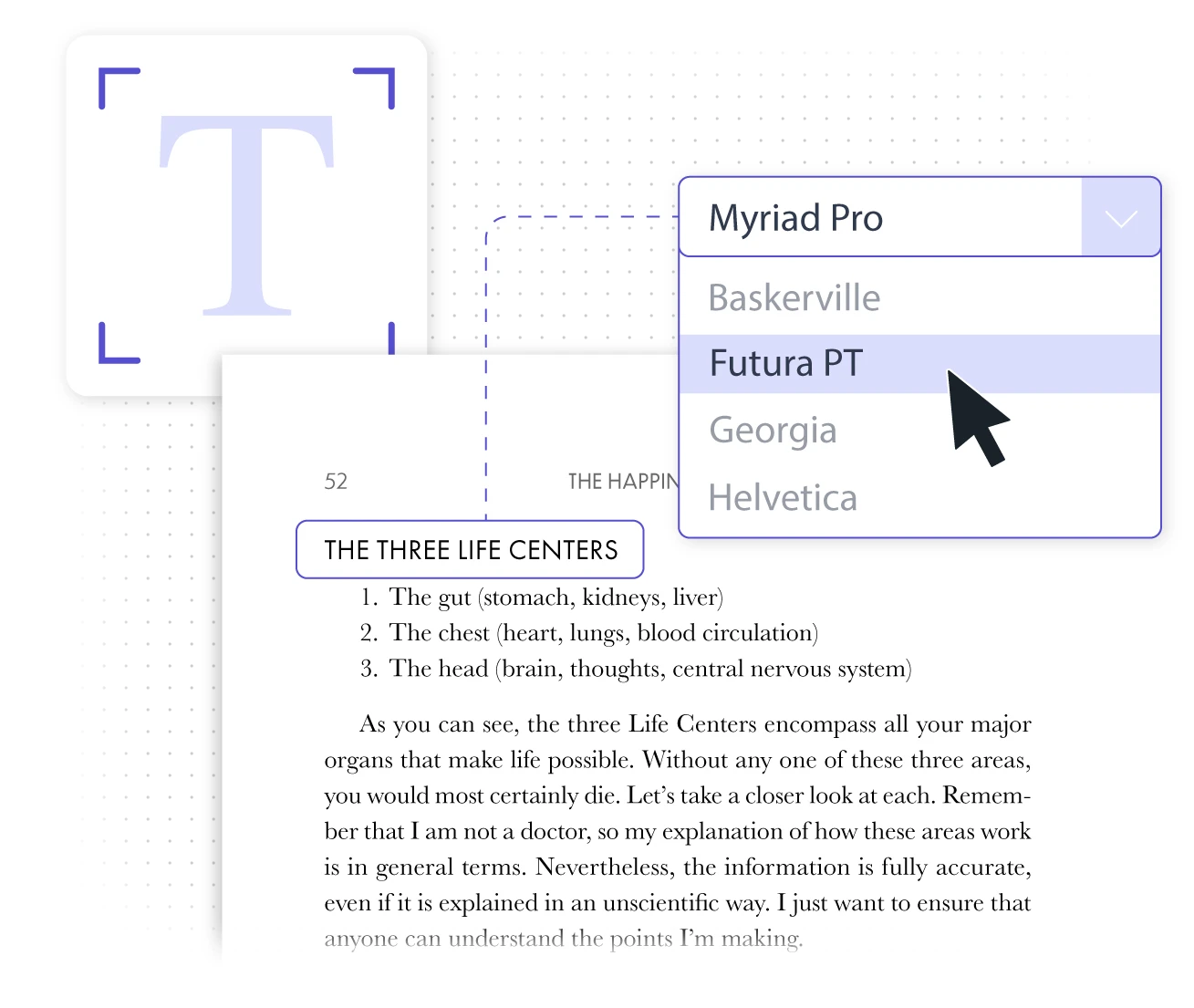
Design your cover PDF
You’ll have two options to create a cover PDF:
OPTION 1
Create Your Own Cover
Your book size, binding type, and page count determine your cover dimensions. Input these specifications in our pricing calculator to download a custom cover template to design your cover with the software of your choice. Export it as a a single-spread PDF containing the back cover, spine, and front cover.

OPTION 2
Use Lulu’s Cover Creator
You can use Lulu’s built-in cover designer to easily create your cover during the upload process. You can add text, images, and designs to your cover without leaving Lulu or working with a template.


Download a Free Custom Cover Template
Use our Pricing Calculator to download a free cover template sized for your book. Templates show you the overall page size (including bleed), margins, and spine width.
Answers for the Most Common Publishing Mistakes
Common mistakes like neglecting bleed margins or misaligning your cover lead to poor print runs. Let us help make sure your book’s PDFs upload and print flawlessly.

Adding Bleed to Your Files
Bleed is the extra space added to a project file that will be trimmed during printing. It allows artwork to reach the page edge. Follow this detailed guide to prepare your files.

Spine Sizing Based on Page Count
Your cover’s spine width is based on the overall page count. The spine must be sized correctly for your cover to align with your book’s interior pages.

Dive Deeper with our Book Creation Guide
Includes PDF specifications, spine guides, and formatting terms to help you print your book. This in-depth guide outlines everything you need to know to design your PDFs.
Sneak Peek the Upload Process
Lulu’s user-friendly interface makes it simple to print a book for yourself. We streamline the process so you only have to upload your interior PDF and create a cover. Then you’re ready to buy a copy of your new book!
Our Product Formats
Create print books (which includes magazines, textbooks, notebooks, and more), ebooks, or wall calendars.

Print Books
Make a hardcover, paperback, coil bound, or saddle stitch book. Create your book using a wide range of paper, color, trim size and binding options. The most common print-on-demand book, perfect for a variety of projects.

Ebooks
Create an ebook from your PDF, DOCX, or EPUB file ready for viewing on an ereader, tablet, or smartphone.

Wall Calendars
Create a 12 to 18-month wall calendar with our free calendar tool. Upload images and create custom holidays and events to build your calendar or upload an original calendar design.
Popular Print Book Types
Narrow down what you want to make with these popular print book formats.

Photo Books
Preserve memories or create a lookbook of your work with a hardcover photo book. Featuring the highest quality paper and rich color ink, our photo book products highlight the best of Lulu's print options.

Notebooks
Create a custom notebook, journal, or planner with our preformatted templates. Or design your own unique notebook for yourself or to sell to your fans.

Comic Books or Graphic Novels
Traditional comic book size with paperback binding or graphic novels. Bring your art to life with printing in black & white or rich color, including on the inside of the cover.

Magazines
Create beautiful magazines in full color. Features paper stock designed for magazines, paperback binding, and printing on the inside covers.

Cookbooks
Share your favorite recipes in a cookbook with Lulu's print-on-demand. High-quality ink and paper options will have your recipes looking as good as they taste!

Yearbooks
For schools and organizations, a print-on-demand yearbook means flexibility and customization while saving money. Enjoy the best printing and binding at a fraction of the cost.
Educational Books
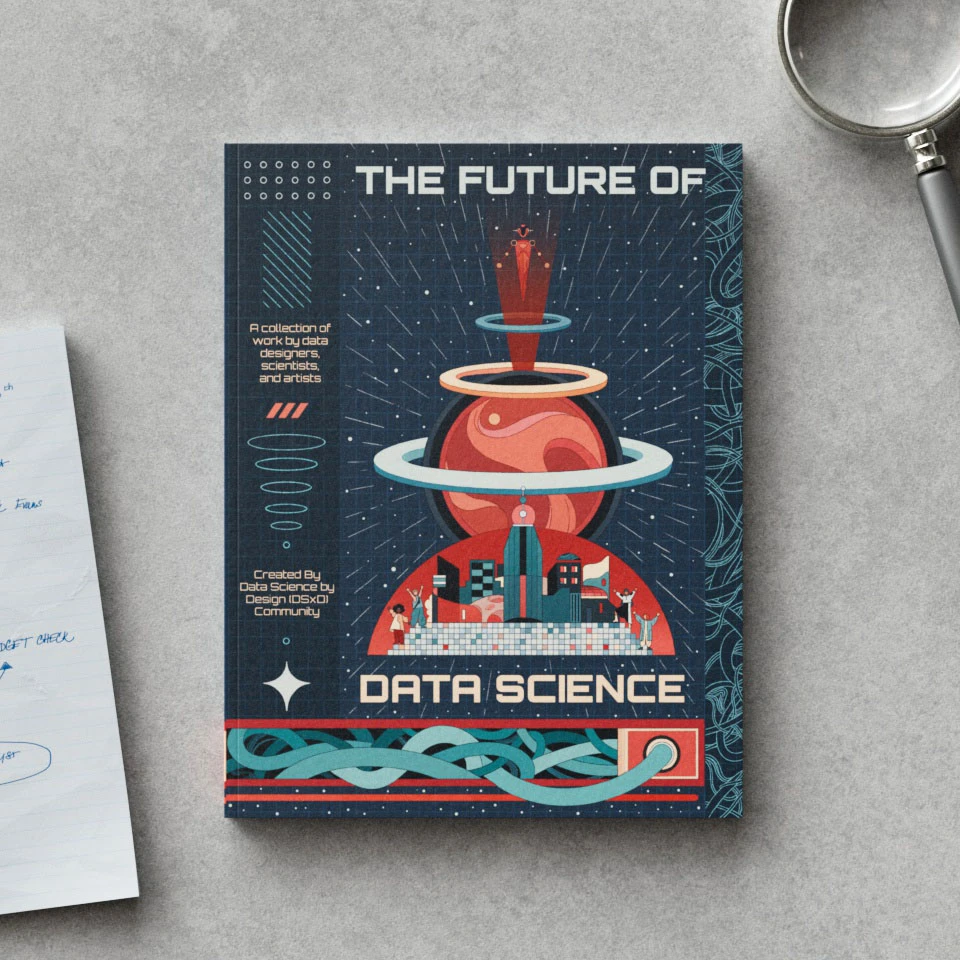
Create textbooks, workbooks, and manuals tailored to your curriculum. Print on demand with popular coil bound, paperback, or hardcover options and international shipping for your students.

Children’s Books
Bring your story to life with full-color printing and kid-friendly formats like square and landscape. Print and publish your children’s book on your schedule, then sell it on your site, with major retailers, and the Lulu Bookstore.

Booklets
Print booklets for marketing materials, events, and more. Choose from popular sizes and binding options to easily have your booklets printed and delivered.
Book Pricing Calculator
Quality book printing at a reasonable price. Check pricing, format variations, retail pricing, and shipping for custom books or calendars.
Book Creation FAQs
How Do I Revise My Book?
From your Lulu account, select the book you want to revise. On the details page, you’ll see an option to start a revision. Any changes you make will be saved, but the book will only be updated once you complete the Review step and publish your revision.
Revising your book is free on Lulu.
What is Full Bleed Printing?
‘Full Bleed’ refers to a print file prepared with an extra margin on all sides of the page. This allows the printers to trim the book down to it’s finish size, ensuring all pages are uniform.
All books printed by Lulu use full bleed printing. Your interior PDF must include a bleed margin to print correctly.
Read our What is Full Bleed? article for detailed instructions.
Should I Choose Standard or Premium Color?
Standard color is ideal for books with minimal or no color images.
Premium color is best for books with high-resolution color images.
How Long Does It Take to Print & Ship My Book?
Lulu’s global printing network requires a production time of 3-5 business days, but your shopping cart will display the estimated production time specific to your order.
Business days are Monday - Friday, and the first printing day is the day after the order is placed. For example, an order placed on a Monday will be sent to the printer by Tuesday and is expected to print between Thursday (day 3) and the following Monday (day 5).
Learn more about printing books of all kinds.
Get all the details about shipping Lulu orders around the world.

Knowledge Base
Details about Lulu's fulfillment and shipping, along with guidance to help you make your project perfect. All from our dedicated support staff.