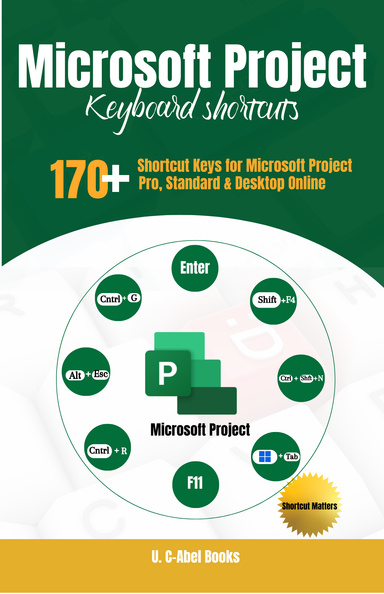
Microsoft Project Keyboard Shortcuts
This ebook may not meet accessibility standards and may not be fully compatible with assistive technologies.
The use of keyboard shortcuts gives you the opportunity to move ⬆️from working hard in Microsoft Project to working smart.
Project by Microsoft is a popular project management tool that helps to simplify tasks for project managers. To get the most out of it, users have to get useful guides like this one to help them.
The Concise Content of this Book:
✅3 HELPFUL BONUS CHAPTERS to help speed up your Microsoft Project operation.
☑️Frequently used shortcuts
☑️Navigate views and windows
☑️Use the main window
☑️Use the Team Planner view
☑️Use the Timeline view
☑️Outline a project
☑️Select and edit in a dialog box
☑️Select and edit in a sheet view
☑️Use a Network Diagram
☑️Use OfficeArt object.
Discover time-saving keyboard shortcuts that help you work faster and more efficiently in Microsoft Project—whether you’re using Project for Windows, Mac or other OS. Designed for versions from 2016–2024 and beyond, this guide gives you practical shortcuts you can start using immediately to boost productivity and streamline your workflow. Try it today. Click the "Add to Cart" button to get it now.🛒
Details
- Publication Date
- Mar 25, 2026
- Language
- English
- Category
- Computers & Technology
- Copyright
- All Rights Reserved - Standard Copyright License
- Contributors
- By (author): U. C-Abel Books
Specifications
- Format
Keywords
Microsoft Project keyboard shortcuts for project managersMicrosoft Project shortcuts to plan projects fasterMicrosoft Project shortcuts cheat sheet printable PDFTime-saving Microsoft Project tips for busy professionalsBoost productivity with Microsoft Project shortcut keysMicrosoft Project quick reference for daily useMicrosoft Project workflow optimization with shortcuts