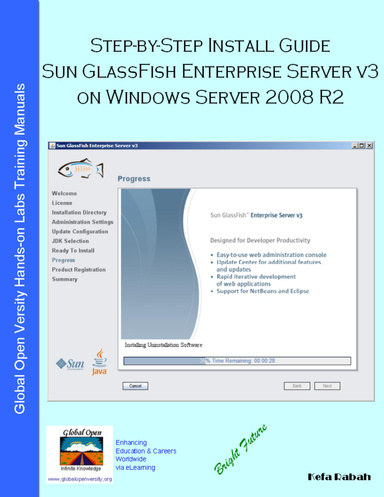
Step-by-Step Install Guide Sun GlassFish Enterprise Server v3 on Windows Server 2008 R2
This ebook may not meet accessibility standards and may not be fully compatible with assistive technologies.
In this Lab session, you’ll learn how to setup virtual network on VMware (you may also use any other virtual machines like MS VirtualPC, Linux Xen, or VirtualBox from Sun). It’s assumed that you know how to install Linux CentOS5. Next you will learn how to install and setup Sun JDK6. You’ll also learn how to install & setup Sun GlassFish Enterprise Server v3 on Windows Serve 2008 R2. Next, you’ll learn how to setup Sun OpenSSO. Finally you’ll have an opportunity to do the Hands-on Labs home assignment labs to test what you have learned in this lab session. Once you’re done with this labs session you should have gained an experience and capability to enable you to plan design implement and deploy Sun GlassFishTM v3 Enterprise Server with two domains for enterprise business infrastructure.
Details
- Publication Date
- Mar 10, 2013
- Language
- English
- Category
- Computers & Technology
- Copyright
- All Rights Reserved - Standard Copyright License
- Contributors
- By (author): Kefa Rabah
Specifications
- Format