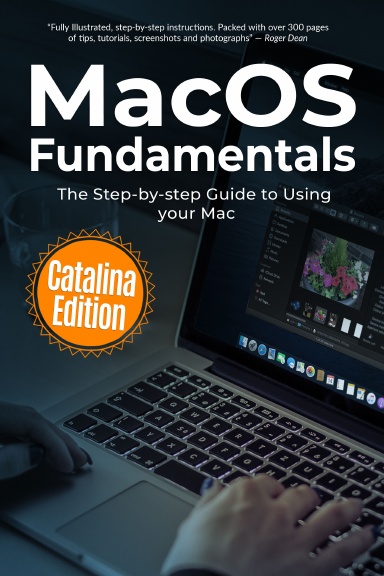
MacOS Fundamentals will help you:
Install or upgrade to Catalina
New introduced in Catalina
Master the basics of the traditional features such as the desktop, dock, finder, launchpad and navigation
To use Action Centre, Handoff, Sidecar, Spaces, and Universal Clipboard
Organising files and folders
Search the web with the Safari Web Browser
Keep in touch using email, iMessage, and FaceTime video chat
Learn about apps such as weather, news, stock, voice memos, and how to download more
Organise and listen to your music with Apple Music and the iTunes Store.
Download movies, and TV Programs with the TV App
Understand how iCloud storage works, and use it for free storage and sharing files
Get to know Siri, the voice-activated Personal Digital Assistant who can perform various tasks for you
Organise and enhance photos taken with your iPhone or digital camera. Share them, print them, create calendars, slideshows and greetings cards.
Edit videos from your iPhone or digital camera with iMovie.
Details
- Publication Date
- Mar 31, 2020
- Language
- English
- Category
- Computers & Technology
- Copyright
- All Rights Reserved - Standard Copyright License
- Contributors
- By (author): Kevin Wilson
Specifications
- Pages
- 336
- Binding Type
- Paperback Perfect Bound
- Interior Color
- Black & White
- Dimensions
- US Trade (6 x 9 in / 152 x 229 mm)